
Mac Apps.
A Mac app built in Swift, signed and notarized, shipped through the Mac App Store or a direct download.
Some work belongs on the desktop: tools that open big files, run all day, or keep data on the machine instead of in someone else's cloud. I build Mac apps native in Swift. G-Rump, my open-source coding app, is one of them.
You get a fixed quote before work starts. The app is signed and notarized so it opens cleanly, and it ships through the Mac App Store or as a download with automatic updates.
What's included
- Native Swift and SwiftUI, or Tauri when it also needs Windows
- Local files and data that stay on the machine
- Signed and notarized so it opens without warnings
- Mac App Store or direct download with updates
- Built and tested on real Macs
For offices and teams that work on Macs all day.
Work I've shipped like this
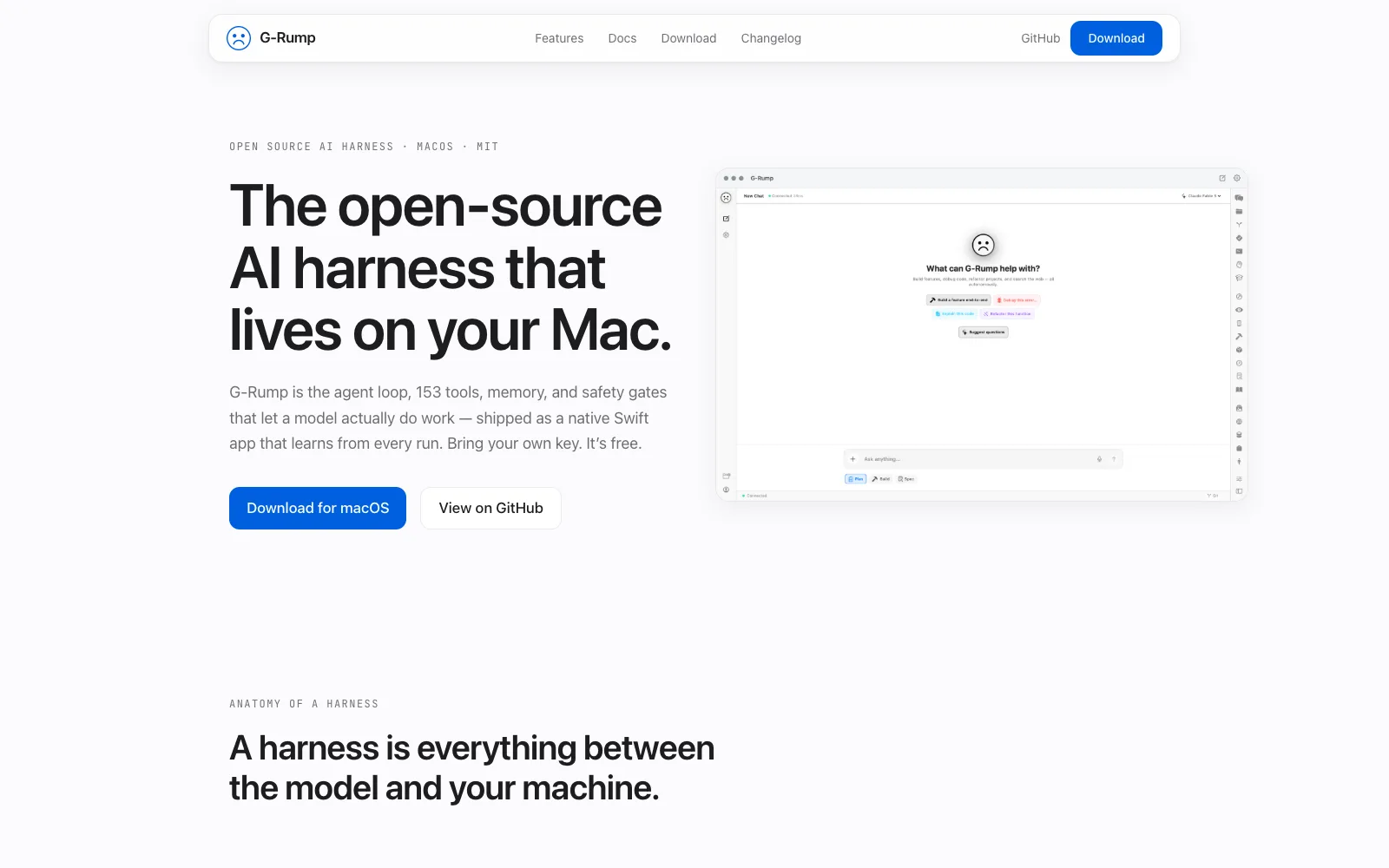 G-RumpOpen-source coding harness for the Mac: 160 tools, memory, and safety gates. A native Swift app with its own docs site.
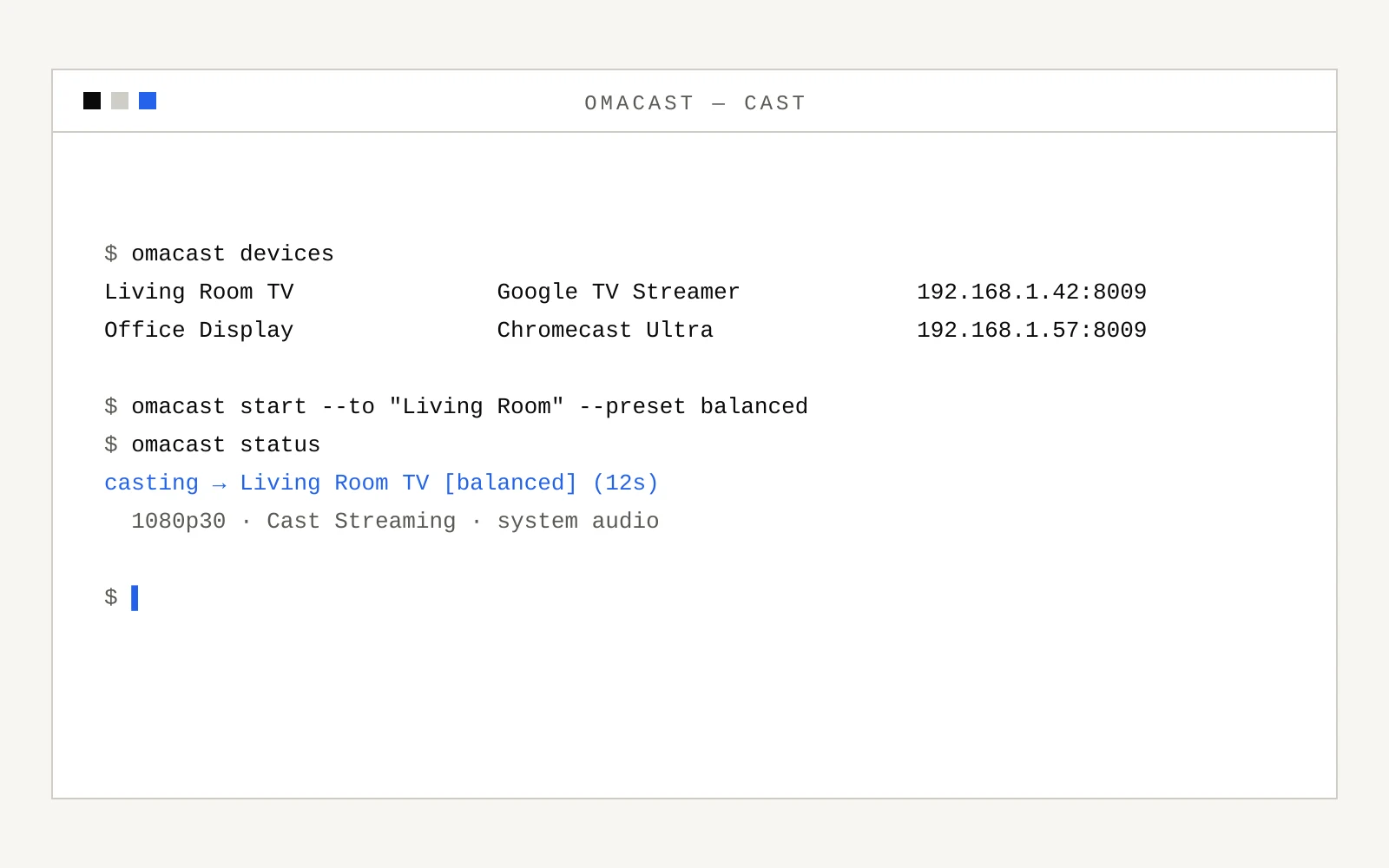 OmacastNative screen casting from Linux and macOS to Chromecast and Google TV. One keypress to start, no Chrome required.
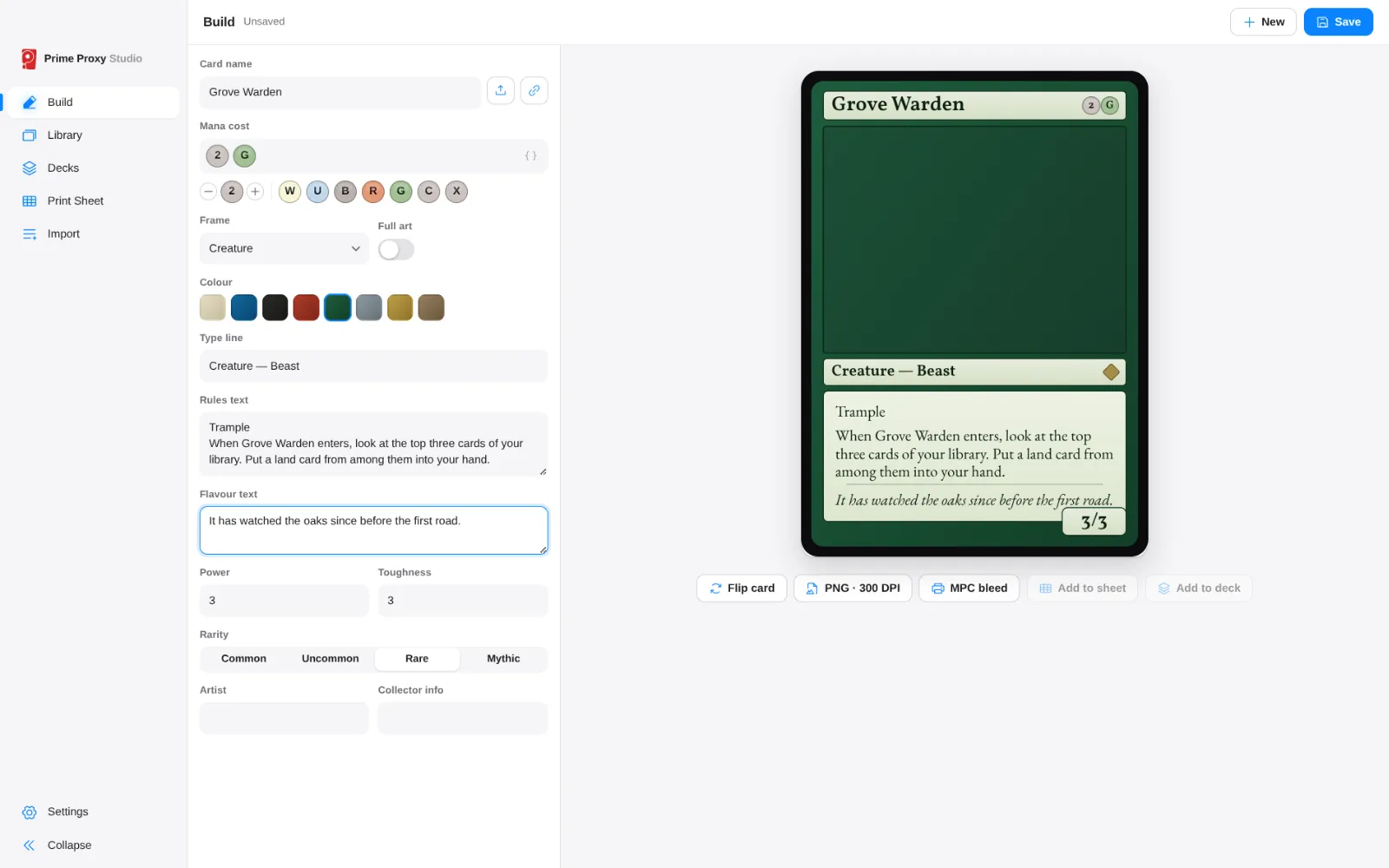 Prime Proxy StudioIn-house design tool for a card shop: a live card editor, a local library, and true-to-scale print sheets exported straight to the print shop.
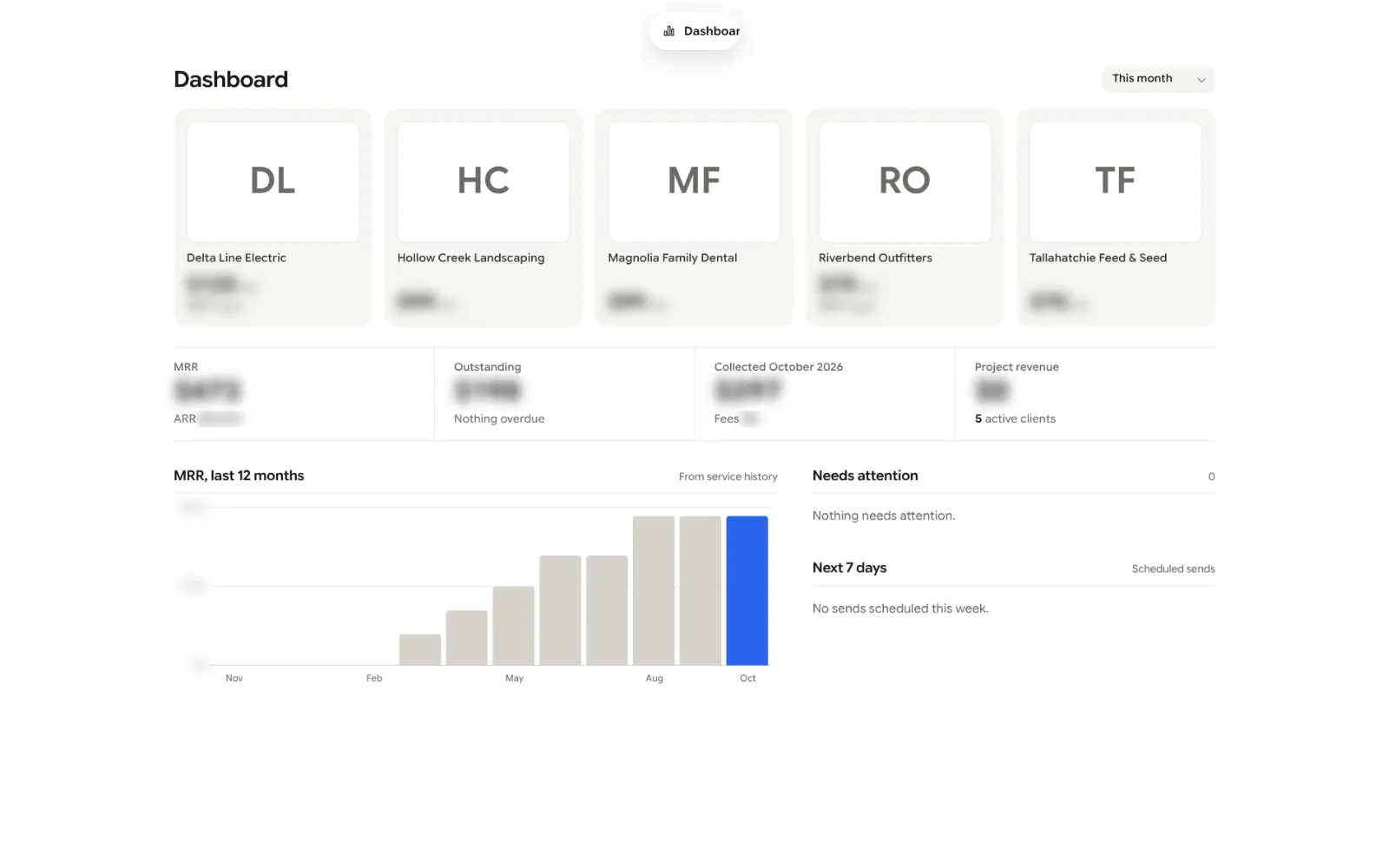 Walt Builds BillingDesktop billing app: clients, recurring services, branded invoices, and schedules that send on their own. Local-first, one file you own. Shown with demo data.
Questions
How much does a Mac app cost?
It depends on what it does and what it connects to. You get a fixed quote before work starts, and that number doesn't move.
Can the same app run on Windows?
Yes. One build can cover Windows, Mac, and Linux.
What else will I pay for?
Apple's yearly Developer Program fee, in your name, for signing and notarizing.