
Desktop Apps for Windows, Mac & Linux.
One desktop app that installs on Windows, Mac, and Linux, from a single codebase.
Most offices have a mix of machines. One Tauri codebase installs on Windows, Mac, and Linux, so you pay for one app instead of three.
You get a fixed quote before work starts. Each system gets its own installer and automatic updates, and the code is yours.
What's included
- One Tauri codebase for all three systems
- Installers and automatic updates for each
- Signed on Windows and Mac
- Local files, printers, and offline use
- Tested on real machines for each system
For teams with a mix of PCs and Macs.
Work I've shipped like this
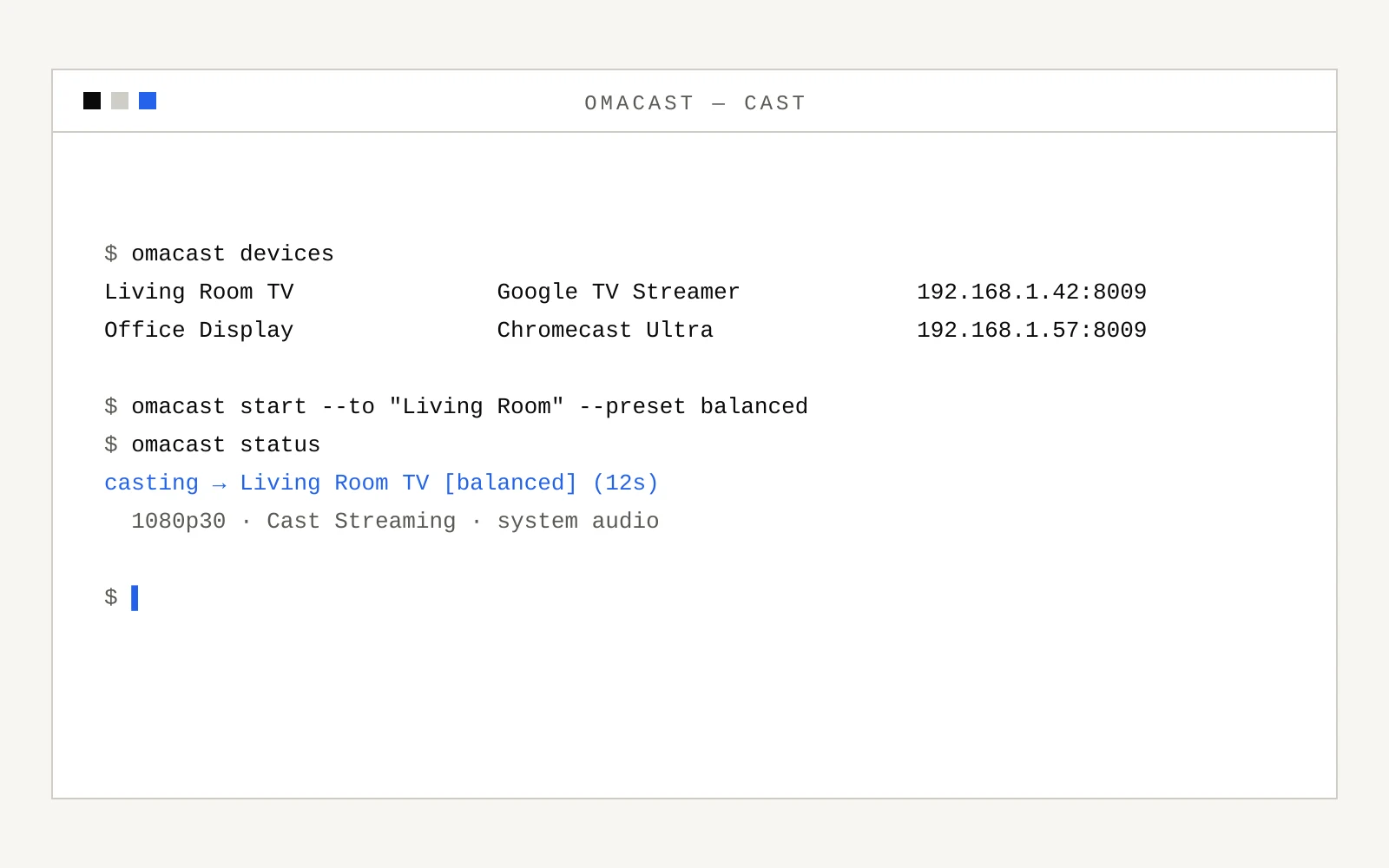 OmacastNative screen casting from Linux and macOS to Chromecast and Google TV. One keypress to start, no Chrome required.
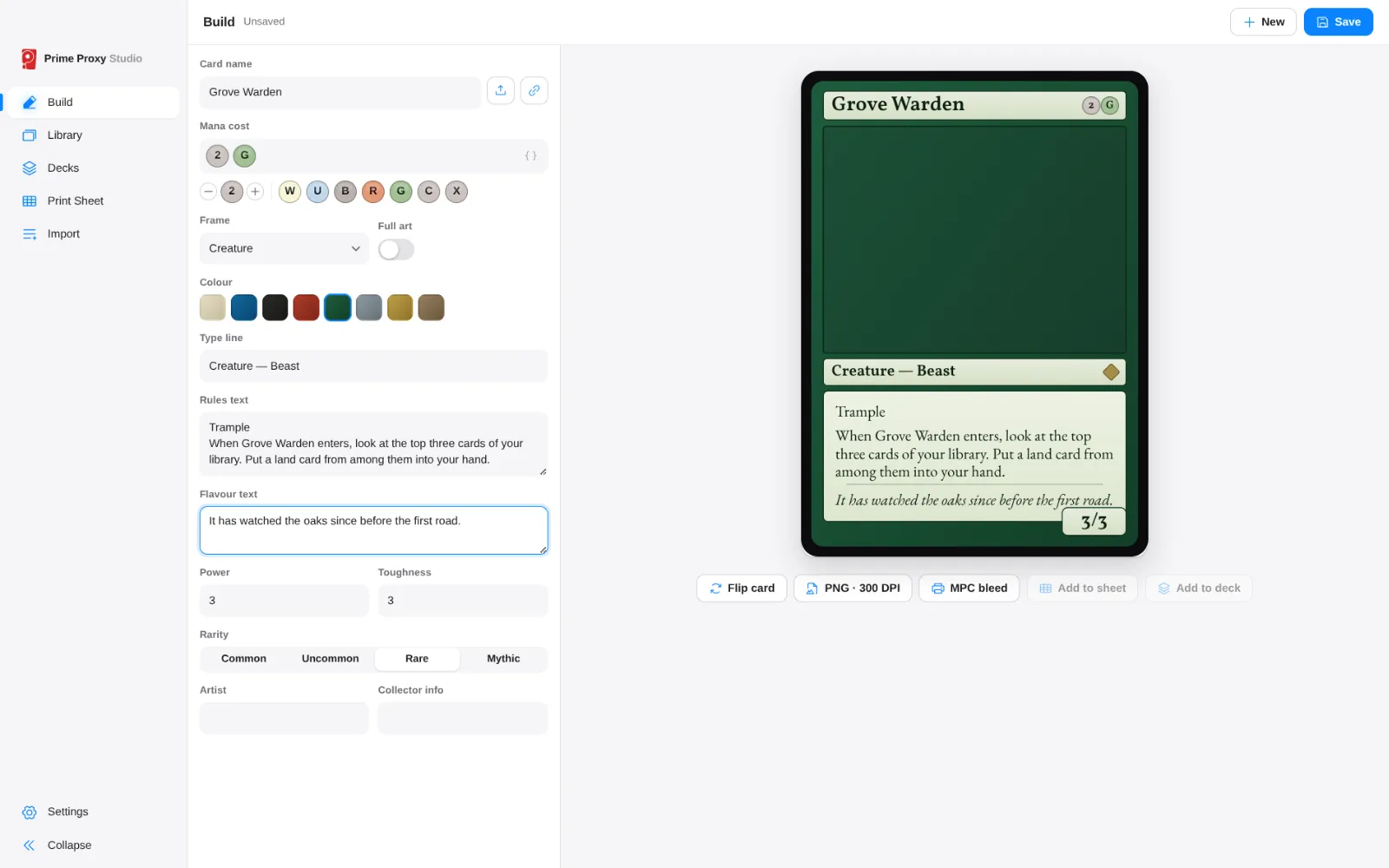 Prime Proxy StudioIn-house design tool for a card shop: a live card editor, a local library, and true-to-scale print sheets exported straight to the print shop.
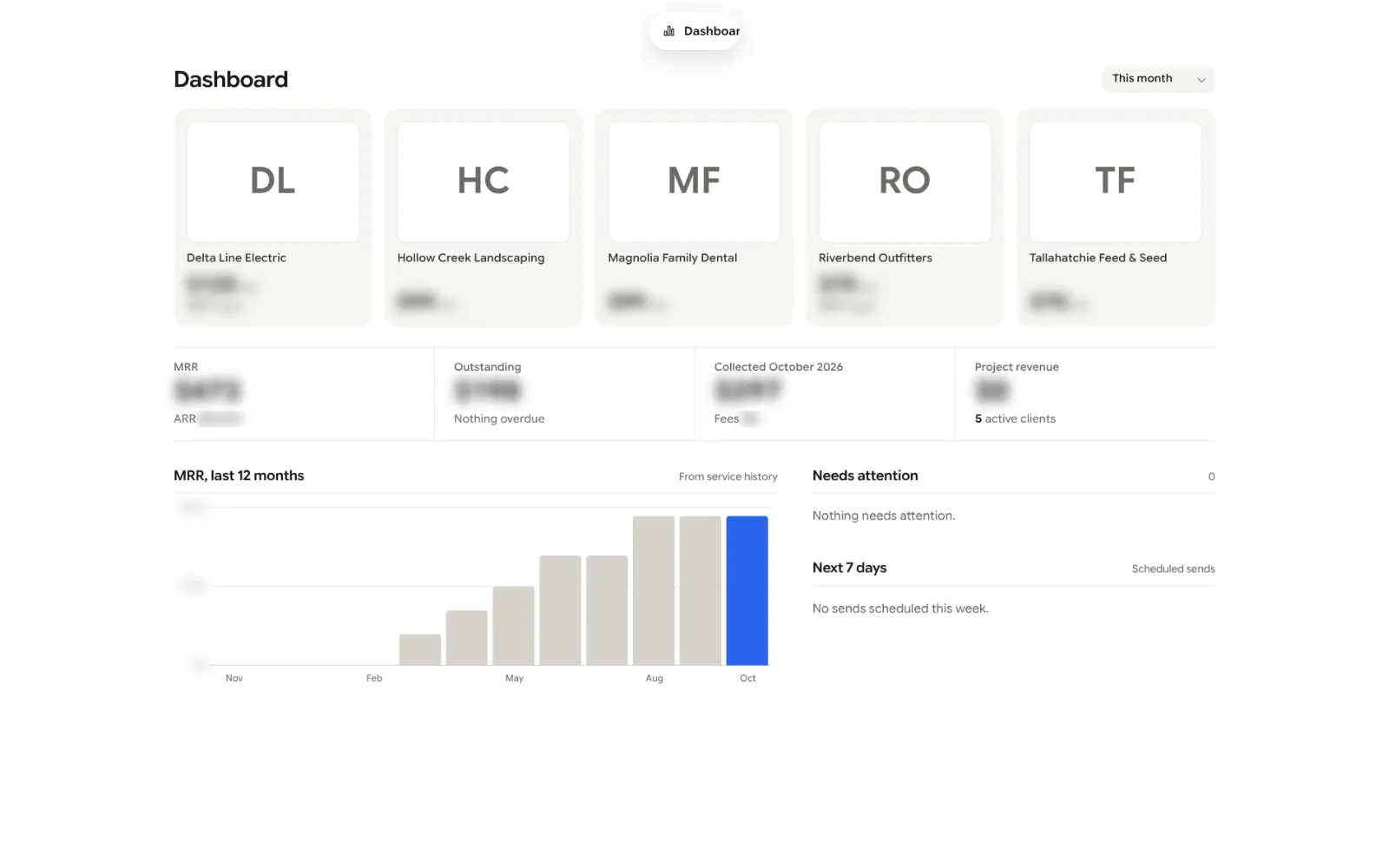 Walt Builds BillingDesktop billing app: clients, recurring services, branded invoices, and schedules that send on their own. Local-first, one file you own. Shown with demo data.
Questions
How much does a desktop app for Windows, Mac, and Linux cost?
Less than three separate apps. It depends on what it does and what it connects to. You get a fixed quote before work starts, and that number doesn't move.
Why Tauri and not Electron?
Tauri apps are a fraction of the size and use less memory. Electron still makes sense for a few jobs, and I'll tell you if yours is one.
What else will I pay for?
Apple's yearly Developer Program fee and a Windows code signing certificate, both in your name.